Step by step
From a URL to applied fixes, one step at a time. The whole loop takes a few minutes.
Three scans, one question
Every scan answers the same thing: are you ready for AI search? Each one just goes a little deeper. Not sure where to start? Run a Page audit.
A fast pulse on any page: your two scores and the top copy-paste fixes. No signup.
Everything in Page audit, plus the AI Visibility Snapshot: does ChatGPT, Claude, Gemini, Perplexity & DeepSeek name you, or a competitor?
Scores up to 10 important pages and surfaces the weakest, so you can prioritize what drags the domain down in AI answers.
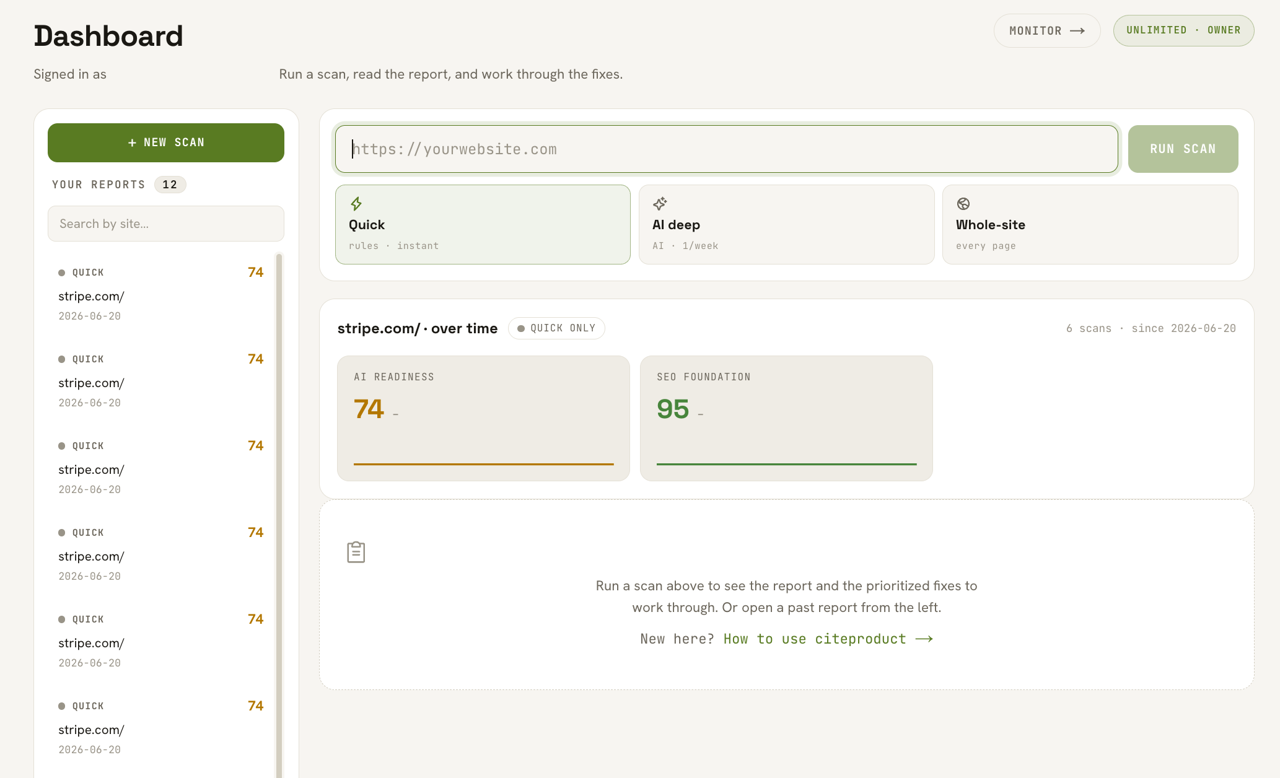
Go to citeproduct.com and paste your URL into the scan box.
Any page or your whole domain works. No signup needed for a Page audit, no crawler to install.

Pick a scan type.
Page audit (free, instant) for a fast pulse · AI visibility to see whether AI names you · Full-site (Pro) for up to 10 important pages. Not sure? Start with Page audit.

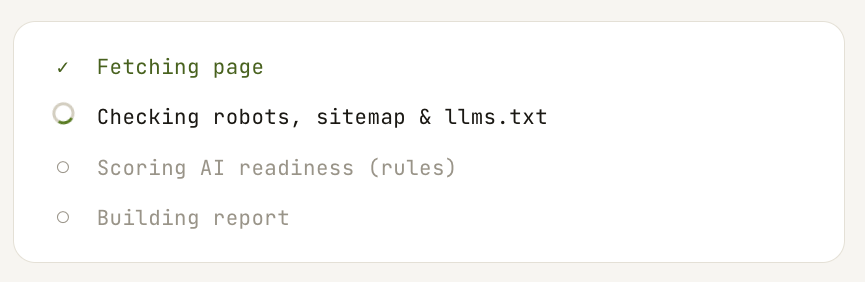
Click Scan and wait.
Page audit is instant. AI visibility takes ~30-60s, and you'll see the progress: fetching the page, checking robots/sitemap/llms.txt, scoring, then building the report.
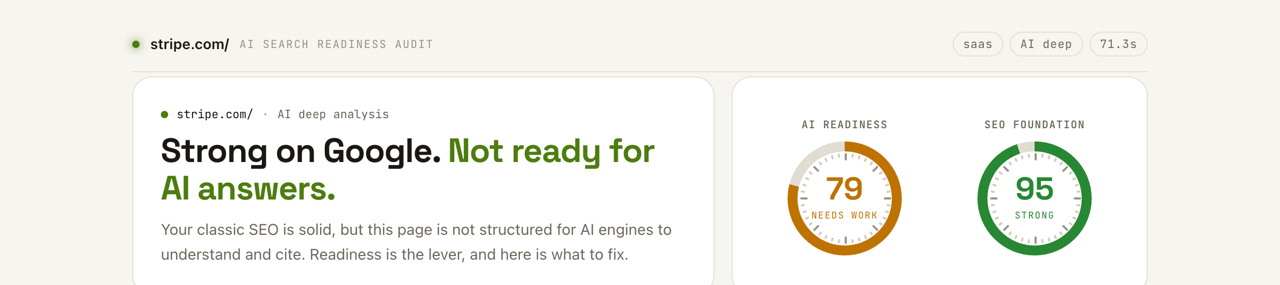
Read your two scores at the top.
AI Readiness and SEO Foundation, with a one-line verdict like “Strong on Google. Not ready for AI answers.”
Check the AI Visibility Snapshot (AI visibility only).
Whether ChatGPT, Claude, Gemini, Perplexity & DeepSeek name you for your buyers' questions, or name a competitor instead.
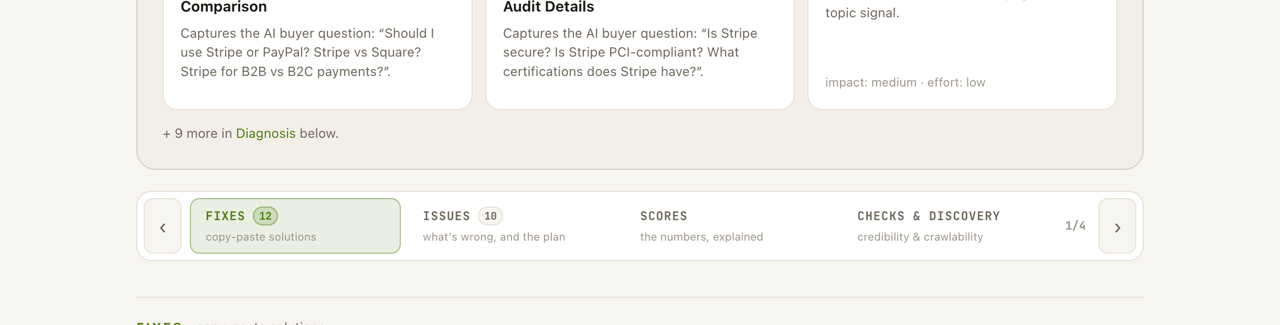
Flip through the four report tabs.
Fixes (copy-paste solutions) · Issues (what's wrong + the plan) · Scores (the numbers explained) · Checks. Start on Fixes.
Copy a fix.
Each fix has a Copy button, e.g. the schema (JSON-LD), the llms.txt draft, an FAQ, a rewrite. It's paste-ready, not just a suggestion.

Paste it into your site.
Schema → your page's <head>. llms.txt → your site root (yoursite.com/llms.txt). FAQ, headings, summary & rewrites → into the page body.
Measure the change over time.
Use AI visibility again after you make changes, or turn on Monitor to compare the same buyer questions on a weekly cadence. Every successful AI visibility check uses its stated allowance or credit.
Save it and turn on monitoring.
Every scan is saved to your dashboard. Switch on weekly monitoring to track a page over time and catch a drop before it costs you.